Your tent rental ads keep getting clicks from price shoppers and people looking to book a party hall.
Price shoppers collecting quotes, party-hall hunters, and off-season researchers click your ads and drain your budget. The JSR Engine finds and blocks them automatically — while you’re setting up the next event.
Free 7-day trial · No credit card needed
Requires an existing Google Ads account with active campaigns
New: full walkthrough
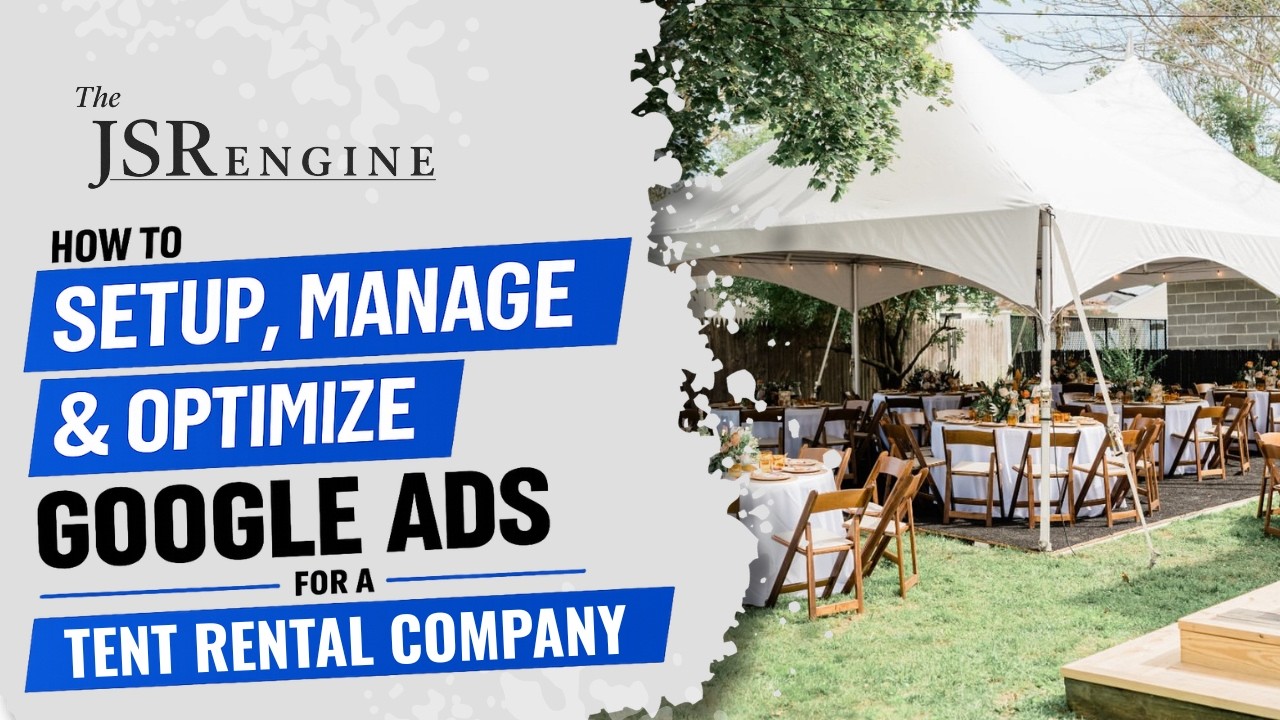
How to run Google Ads for tent rentals
A complete walkthrough of campaign structure for tent rental businesses — ad groups, keywords, headlines, descriptions — then a live demo of The JSR Engine on a real tent rental account.
Watch + read the framework →You’re loading trucks and setting up poles. You don’t have time to manage Google Ads too.
You’re running a crew, confirming orders, checking weather forecasts, coordinating deliveries. You don’t have time to log into Google Ads and check which searches are wasting your money.
But that nagging feeling that you’re wasting money? You’re probably right. Most tent rental businesses are paying for clicks from people comparing DIY options or browsing for “ideas.” Not because the ads are bad — because nobody is watching what’s actually triggering them.
Three ways your tent rental ad budget leaks every single day.
Google profits whether your ads bring in jobs or not. The system is built for their revenue, not your results.
These aren’t edge cases. This is what’s happening in most tent rentals Google Ads accounts, every single day. The waste adds up quietly — whether you’re managing ads yourself or paying an agency.
Get started in 60 seconds.
Go from wondering if your ads are working to knowing they are.
Connect your Google Ads account
Click “Sign in with Google” and give The JSR Engine access. Takes about 60 seconds.
The software scans your account
Twice a day — at 8 AM and 8 PM — The JSR Engine analyzes every keyword, search term, and bid. It finds the waste while you’re working.
See everything in plain English
Open your dashboard and see a clear list of every change — what it found, what it fixed, and why. No confusing graphs. No jargon.
Approve or let it run on autopilot
Review every change before it goes live, or switch on full automation and let The JSR Engine handle it while you focus on jobs.
Your ads, managed. While you work.
Connect your Google Ads account and The JSR Engine goes to work — twice a day, every day.
60 seconds to connect. Free 7-day trial. No credit card required.