Your plumbing ads keep getting clicks from people Googling “how to unclog a drain” themselves.
Right now, people are clicking your ads after searching “how to fix a leaky faucet” and “plumber salary near me.” Every click drains your budget. The JSR Engine finds and blocks them automatically — while you’re on the job.
Free 7-day trial · No credit card needed
Requires an existing Google Ads account with active campaigns
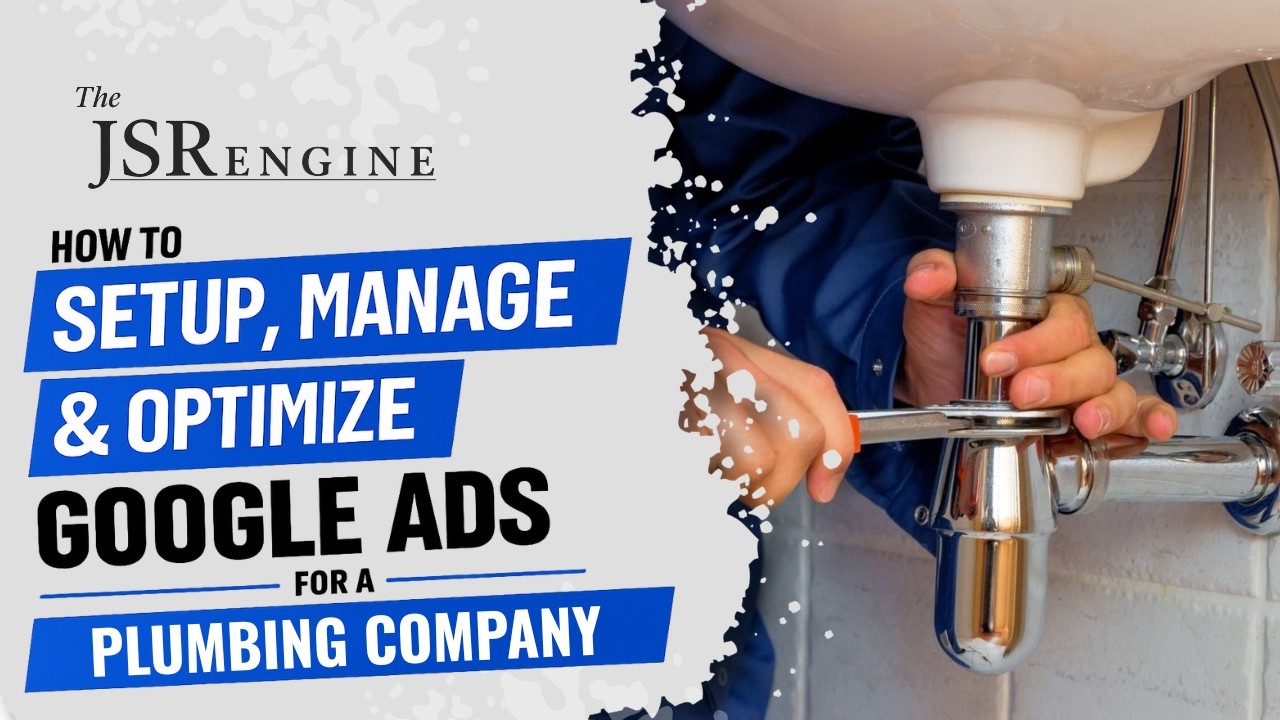
New: full walkthrough
How to run Google Ads for plumbers
A complete walkthrough of campaign structure for plumbing businesses — ad groups, keywords, headlines, descriptions — then a live demo of The JSR Engine on a real plumbing account.
Watch + read the framework →You’re running calls all day. You don’t have time to manage Google Ads too.
You’re under a sink, on the phone with a customer, driving to the next job. You don’t have time to log into Google Ads and check which searches are wasting your money. You hired an agency or set it up yourself and hoped for the best.
But that nagging feeling that you’re wasting money? You’re probably right. Most plumbers are paying for clicks from people who will never pick up the phone and call them. Not because the ads are bad — because nobody is watching what’s actually triggering them.
Three ways your plumbing ad budget leaks every single day.
Google profits whether your ads bring in service calls or not. The system is built for their revenue, not your results.
These aren’t edge cases. This is what’s happening in most plumbing Google Ads accounts, every single day. The waste adds up quietly — whether you’re managing ads yourself or paying an agency.

Built by a business owner who needed his Google Ads to run themselves.
I own a tent rental business and I rely heavily on Google Ads for jobs — we spend a lot every month. But during busy tent season I’m too busy running setups, packing trucks, and answering the phone to manage my Google Ads, and I didn’t have the budget to pay an agency. So I thought: what if I could build software that would automatically manage and optimize my Google Ads for me? At first it was just for me, but I figured if I had this problem, other business owners did too. That’s how The JSR Engine was born.
Get started in 60 seconds. Between jobs.
Go from wondering if your ads are working to knowing they are.
Connect your Google Ads account
Click “Sign in with Google” and give The JSR Engine access. That’s it. No downloads, no installations, no technical setup. Takes about 60 seconds — do it between jobs.
The software scans your entire account
Twice a day — at 8 AM and 8 PM — The JSR Engine analyzes every keyword, search term, and bid in your account. It finds the waste while you’re pulling pipe.
You see everything it did in plain English
Open your dashboard and see a clear list of every change — what it found, what it fixed, and why. No confusing graphs. No jargon. Just a straightforward log of improvements.
Choose hands-on or hands-free
In Approve Mode, every change waits for your thumbs-up before it goes live. In Auto Mode, The JSR Engine handles everything without you lifting a finger. Switch anytime with one click.
In their words.
Tracking and updating my Google Ads used to be a significant time sink, but this software has completely streamlined the process. It is incredibly intuitive and handles the heavy lifting with precision. The amount of time I’ve regained to focus on other areas of my business is invaluable.
When people talk about leveraging AI for growth and efficiency, this is exactly what they mean. Highly recommend Jack’s expertise and this software to any business owner looking to level up their digital marketing.

The JSR Engine adds significant accessibility and simplicity to Google Ads for my small business.
As a small business owner, The JSR Engine allows me to spend more time on my business instead of guessing what I should be doing with my ads and constantly monitoring them.

Five ways it optimizes your plumbing ads, twice a day.
01 Bid Optimization
02 Negative Keywords
03 Keyword Discovery
04 Match Type Optimization
05 Keyword Pausing
What your life looks like after The JSR Engine takes over.
Monday morning: your ads got better over the weekend
While you were off, The JSR Engine blocked wasted clicks, paused bleeding keywords, and added search terms your competitors are missing. You didn’t lift a finger.
No more wondering if your ads are working
Open your dashboard and see exactly what happened, in plain English. Every change, every dollar saved, every improvement — right there.
Every dollar goes where it should
Your budget stops leaking. Bad clicks get blocked before they cost you money. Dead keywords get paused before they drain another cent. You keep more of what you spend.
You go back to running your business
Google Ads becomes the thing that just works in the background. You stop thinking about it. You stop worrying about it. You focus on the work that actually matters to you.
What happens if nothing changes.
What happened when three real businesses connected their accounts.

Rent-A-Tent
Tent and party rentals162 wasted search terms blocked. 16 bleeding keywords paused. 12 new keywords discovered.
Results over 6 weeks of automation

Up In Smoke BBQ
BBQ cateringResults over 6 weeks of automation
Sunny Party Rentals
Tent and party rentals40 wasted search terms blocked. 4 new keywords discovered. 3 keywords promoted to higher-intent matches.
Results over the first 16 days of automation
It gets smarter the longer it runs.
Most tools do the same thing on day 100 that they did on day 1. The JSR Engine studies your account, learns what works for your specific business, and improves its decisions over time. The longer it runs, the less waste you have and the better your results get.
One plan. Every feature. $150/month.
- → Ads improved automatically twice a day
- → DIY and job seeker clicks blocked
- → New plumbing keywords discovered and added
- → Smarter bids based on real performance
- → Approve changes yourself or go hands-free
- → Undo any change instantly with one click
Stop paying for clicks that will never become service calls.
Connect in 60 seconds. Free 7-day trial. Your ads start improving overnight.
If The JSR Engine doesn’t find waste in your plumbing ads, you’ve lost 60 seconds. But it will.